Gmail谷歌邮箱
Gmail谷歌邮箱怎么登陆?通过辅助邮箱验证
Gmail 谷歌邮箱通过辅助邮箱验证登录教程,适合登录时出现验证界面的用户查看。
Gmail谷歌邮箱怎么登陆?通过辅助邮箱验证
谷歌辅助邮箱使用
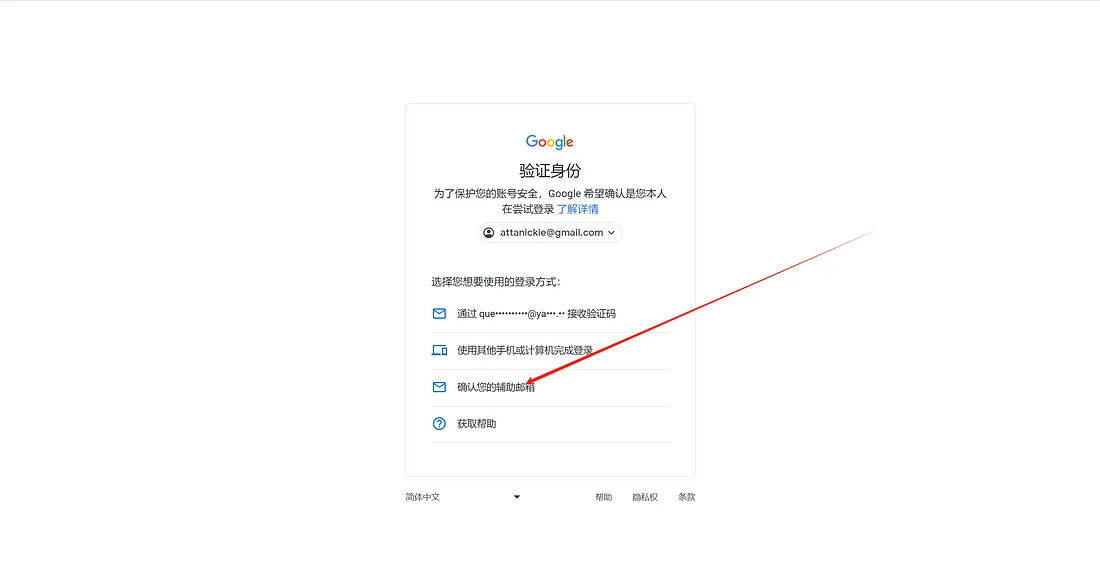
1️⃣:出现验证界面选择第三个 验证辅助邮箱
登录 Gmail 谷歌邮箱时,如果出现验证界面,选择第三个“验证辅助邮箱”。
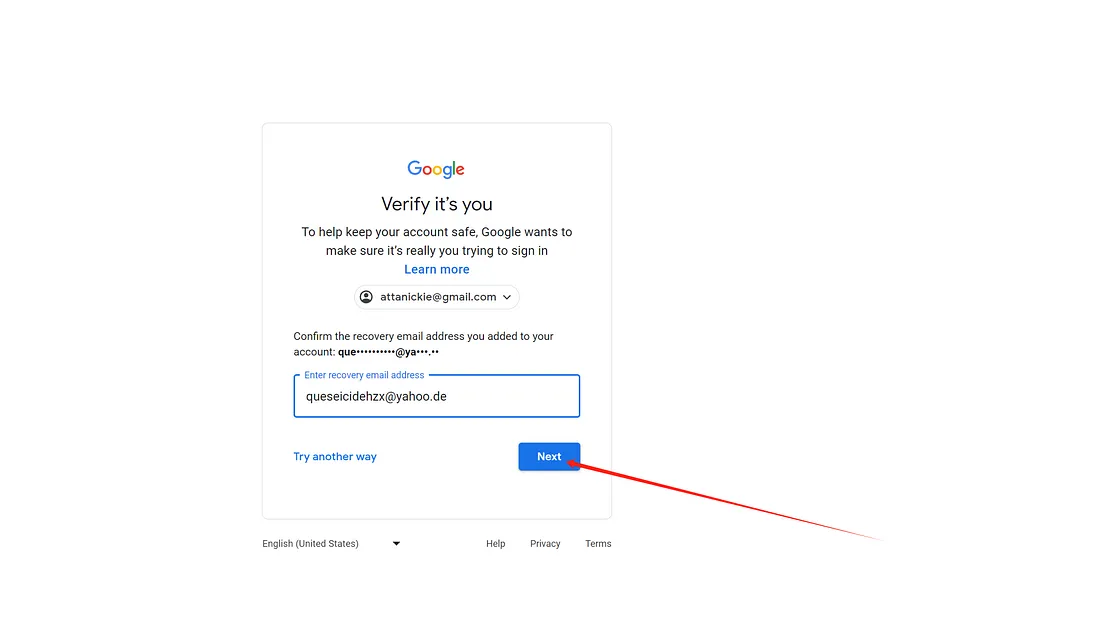
2️⃣:输入辅助邮箱
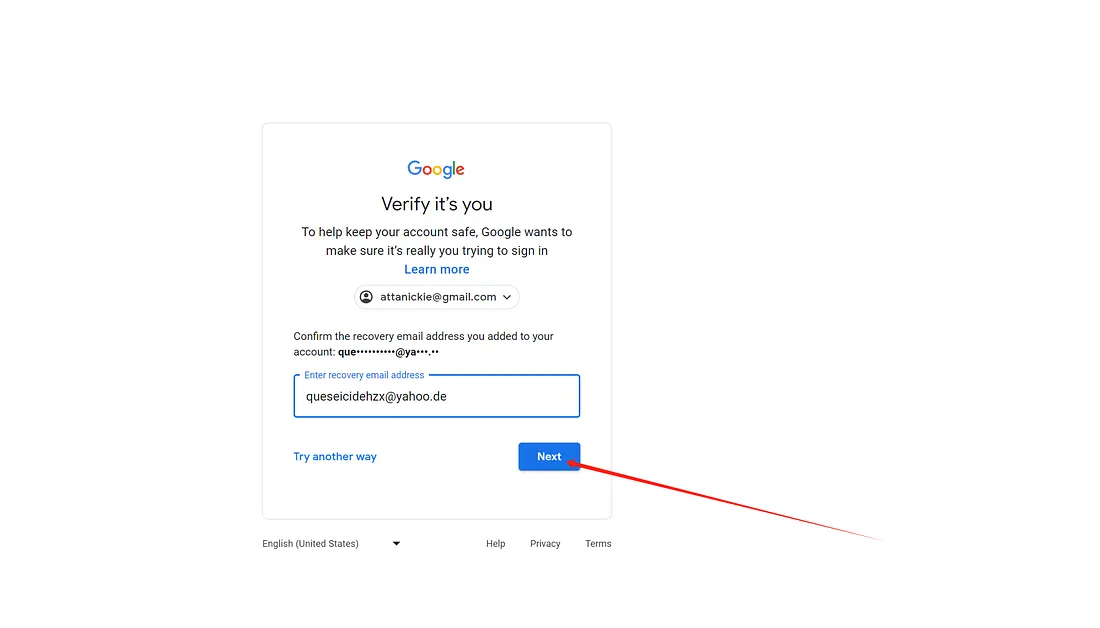
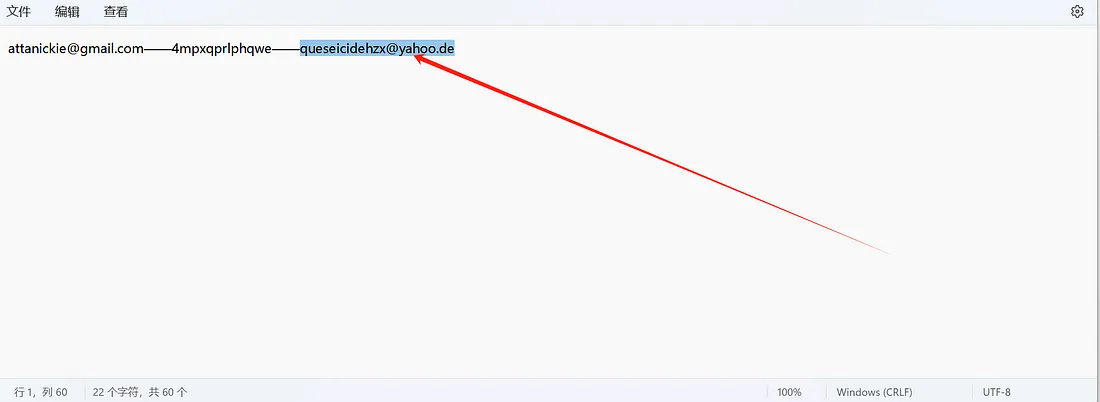
按照页面提示,输入账号对应的辅助邮箱。
| 1 |
Credentials are guaranteed only at delivery
We only guarantee that the account credentials are correct at the time of delivery and that the basic information matches the product description.
|
| 2 |
Special conditions are not guaranteed by default
Unless specifically stated on the product page, we do not guarantee identity verification status, facial verification, linked phone numbers, verification methods, specific regions, or other special conditions.
|
| 3 |
IP, device, network, and platform risk-control issues are not covered
Issues caused by IP addresses, network environments, devices, regional restrictions, unusual login activity, or platform risk-control systems are not covered by after-sales support.
|
| 4 |
One working login method is considered sufficient
If a product supports multiple login methods, it will be considered functional as long as at least one supported method can successfully log in on a mobile device or computer.
|
| 5 |
Post-delivery external risks are the user's responsibility
After delivery, any account loss, restriction, or other issue caused by profile changes, third-party actions, improper use, policy violations, or other external factors is the responsibility of the user.
|
| 6 |
Product page terms take priority
If the product page contains separate warranty terms, coverage periods, or additional conditions, the information shown on the product page shall prevail.
|
Gmail 谷歌邮箱通过辅助邮箱验证登录教程,适合登录时出现验证界面的用户查看。
登录 Gmail 谷歌邮箱时,如果出现验证界面,选择第三个“验证辅助邮箱”。

按照页面提示,输入账号对应的辅助邮箱。